
Gates County Civil Docket Searches
Start at the North Carolina Judicial Branch Portal. It offers a public civil Case Summary, also called the Register of Actions. Type a party name or case number first. From there, Advanced Filtering lets you pick Gates, a case type, a status, or a filing range. Civil Actions, nonconfidential Special Proceedings, and Estates all sit among the public search categories.
Two tools do different jobs here. Smart Search lays out the chronology of events. Search Hearings, by contrast, returns the current hearing location and time. The Portal itself is free. Just remember that a Case Summary on screen is not a clerk-certified copy. And if a name search pulls too many hits, apply the Gates filter only after entering a basic criterion.
- Enter the party name or civil case number in Smart Search.
- Choose Gates and an appropriate civil category after the basic query.
- Open the public Case Summary and read events in chronological order.
- Use Search Hearings to confirm the current hearing details.
- Use the clerk, terminal, or paper file for a missing public record or copy question.
Gates County Civil Docket Court Map
Gates County splits its civil dockets by court function. It does not use separate websites. Superior Court hears civil cases over $25,000. District Court takes civil matters within its statutory jurisdiction. Magistrates handle small claims plus the summary ejectment categories assigned to them. One office holds the local files across all these routes: the Gates County Clerk of Superior Court.
For background on how District Court fits the unified state system, see the District Court jurisdiction page. Estates, nonconfidential special proceedings, foreclosures, and incompetency-related clerk matters also surface in the Portal categories. The clerk-file route covers them too.
| Gates channel | Civil docket scope | Public route |
|---|---|---|
| Superior Court | Civil cases over $25,000 | Portal, clerk, local calendar |
| District Court | Civil matters within statutory jurisdiction | Portal, clerk, local calendar |
| Magistrates | Small claims and summary ejectment | Portal and clerk |
The District Court jurisdiction page is the source for this unified-court reference.
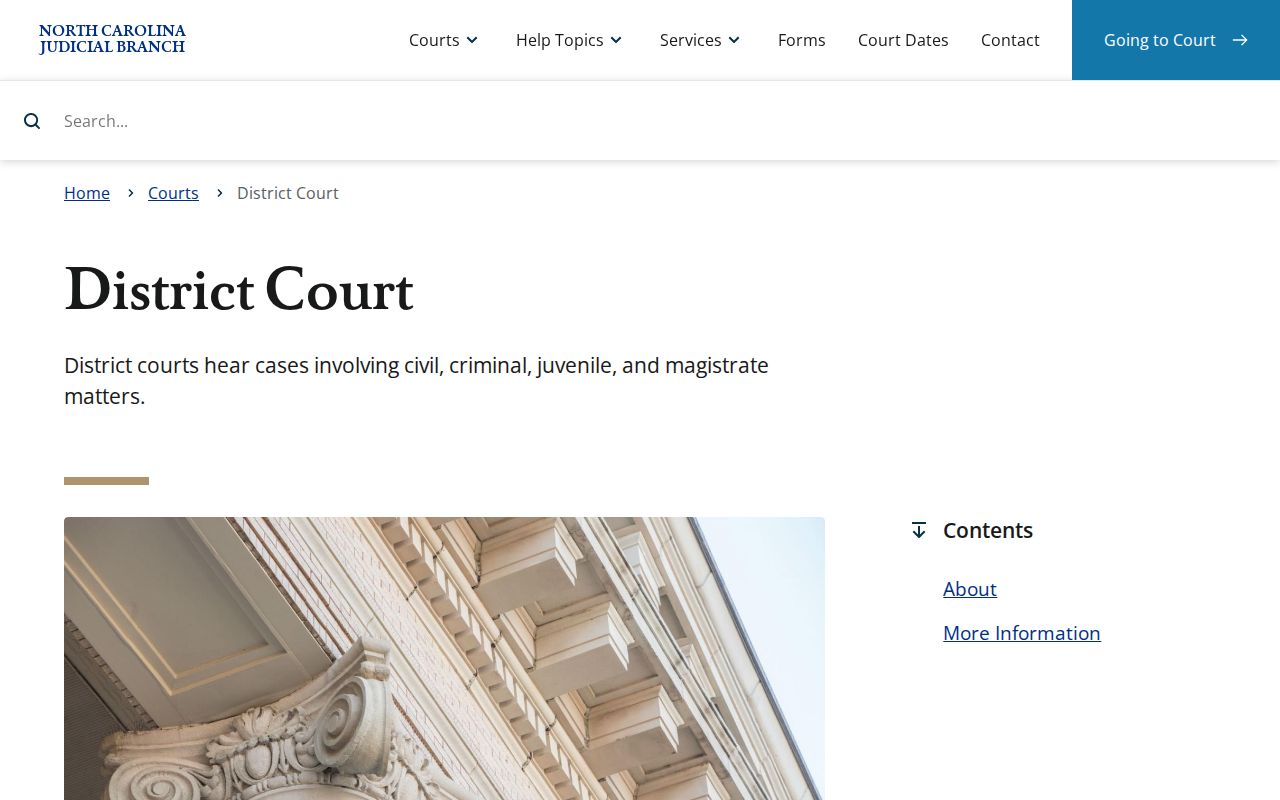
Knowing the court assignment explains the docket path. Either way, the single Gates clerk and the Portal remain the shared public record route.
Civil Dockets: What They Show
A public Gates civil Case Summary can display a lot. The Enterprise Justice record number, case type and status, Case Information, Assignment Information, Party Information, and Causes of Action all appear. Its chronological Case Events may record initiating filings, service, responses, motions, notices, and orders actually entered. Hearing, disposition, financial, and public-document fields appear when applicable.
Public documents are never guaranteed. Processing volume, availability, and legal restrictions all shape what shows up. Treat the Case Summary as an index of public case activity. It is not the clerk's certified record.
| Case header | Record number, type, status, Case Information, and assignment data. |
|---|---|
| Claim information | Causes of Action where the Portal makes them applicable. |
| Case Events | Public filing, service, response, motion, notice, and order chronology. |
| Settings | Hearing information, with Search Hearings for current details. |
| Result fields | Disposition, financial information, and public documents where available. |
The clerk record-index statute is a source for the clerk-maintained index framework.
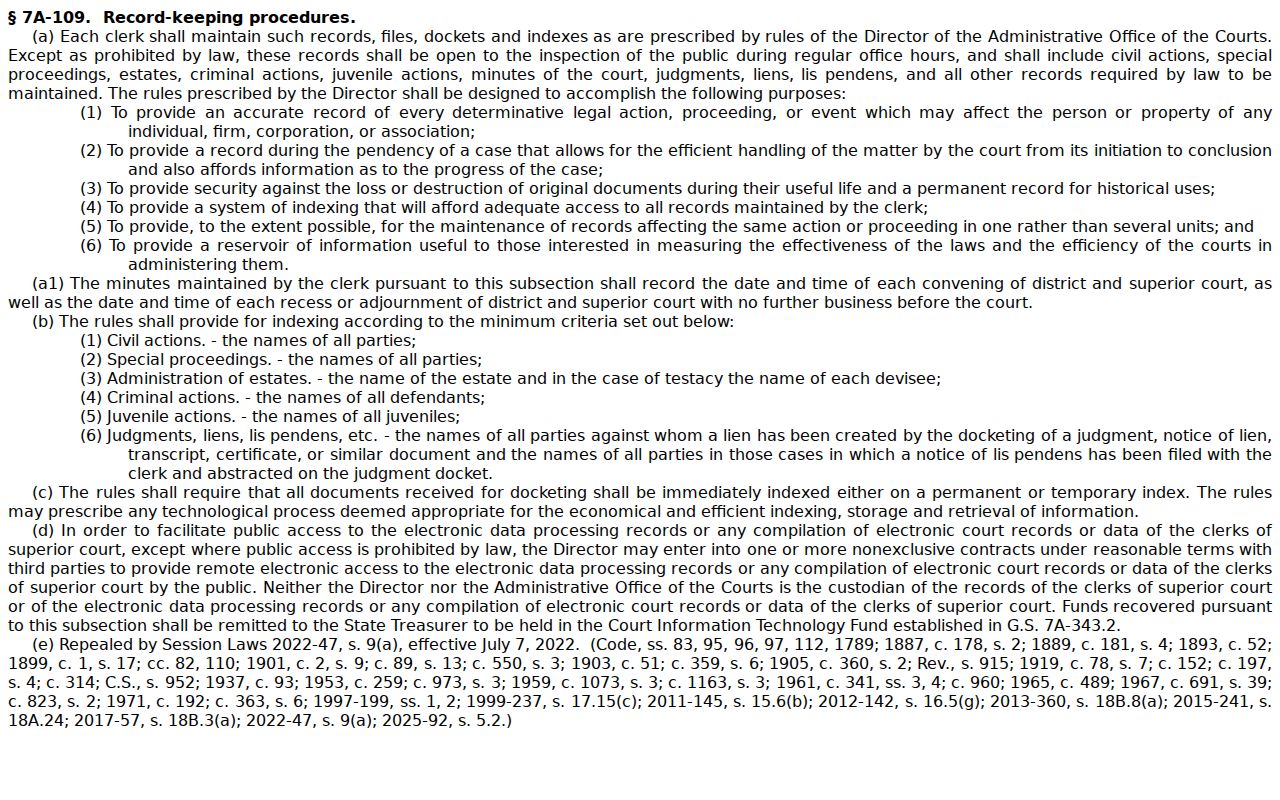
Index access makes the Case Summary genuinely useful. It still does not turn an online view into an official certified copy.
Gates County Civil Docket Codes
Current Enterprise Justice numbers combine several parts. They use a year, a type, a sequence, and a county identifier. Older civil records may still carry the legacy codes CVD, CVM, or CVS. Those letters hint at a record's age. They do not settle the outcome or the current court setting.
- CVD
- A legacy civil district case-type clue.
- CVM
- A legacy civil magistrate case-type clue.
- CVS
- A legacy civil superior case-type clue.
- Causes of Action
- The Portal field for civil, family, probate, and mental-health claim categories.
Run the number through Smart Search, then confirm the case type and status from the Case Summary itself.
What Cases Fill the Civil Docket
Gates civil dockets hold a wide mix. Civil actions, small claims, summary ejectment, estates, nonconfidential special proceedings, foreclosures, incompetency matters, and other clerk proceedings can all appear in the applicable public category. Court function drives the split. Superior Court carries the over-$25,000 civil threshold. District Court and magistrate work follow statutory assignments.
The civil overall caseload activity report organizes statewide county reporting across civil, small claims, estates, and special proceedings. Use it for context on how these categories are tracked. It makes no claim about current Gates filing volume.
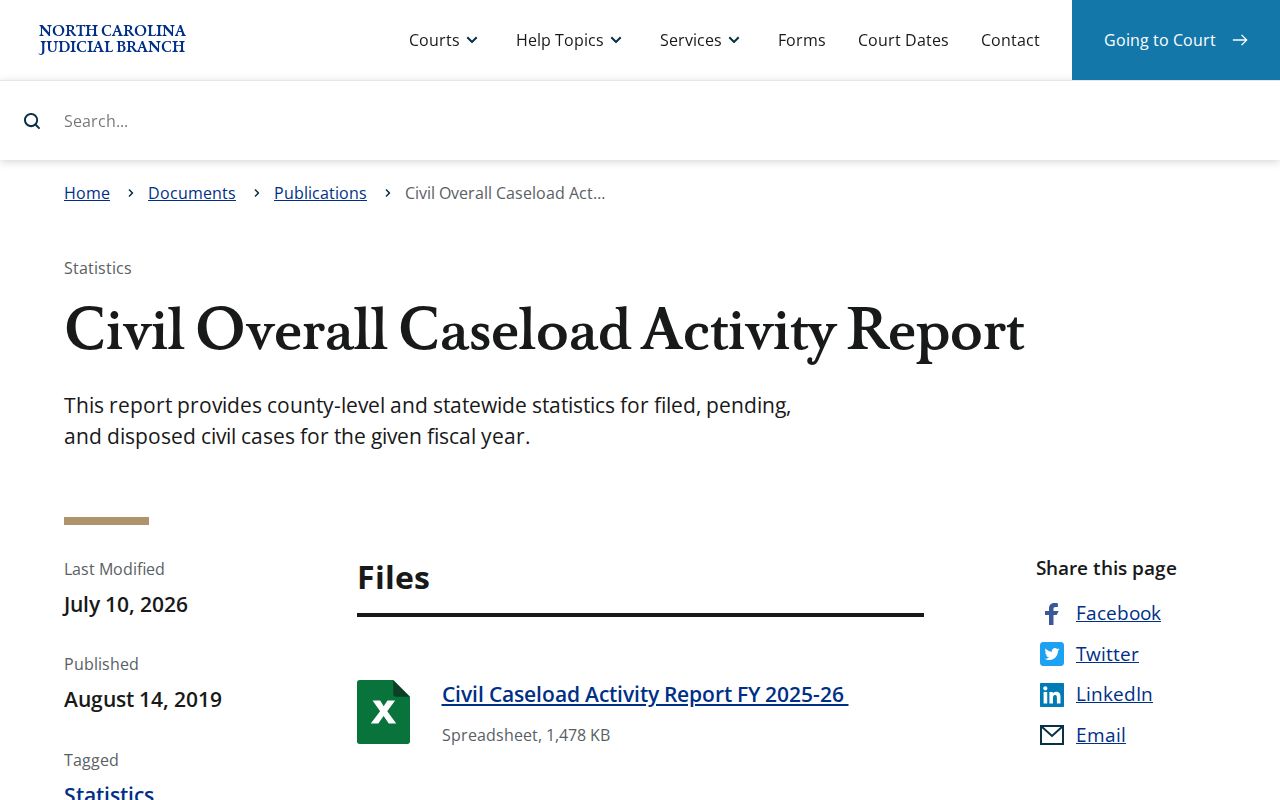
Those report categories explain why a Gates civil search can reach past a single type of dispute. The docket pulls from several streams at once.
Gates County Civil Hearing Route
Gates County civil docket questions split across two tools. The Gates civil calendar lists scheduled settings for the county. Portal Search Hearings works the other way. Type a case number, party, business, attorney, bar number, judicial officer, or courtroom into it. The tool returns the current hearing location and time.
Neither tool tells you whether a matter is virtual or in person. For that part, the clerk can help. It supplies a link if one exists. Keep one more thing in mind when you scan a Gates County court docket. The Courtroom Clerk decides the calling order. That applies even when several cases share the same published list.
So treat the calendar as the published schedule. Treat Search Hearings as the lookup for where and when. Used together, they cover most of what a visitor needs before heading to court. The Gates civil calendar is the source for this published-calendar reference.
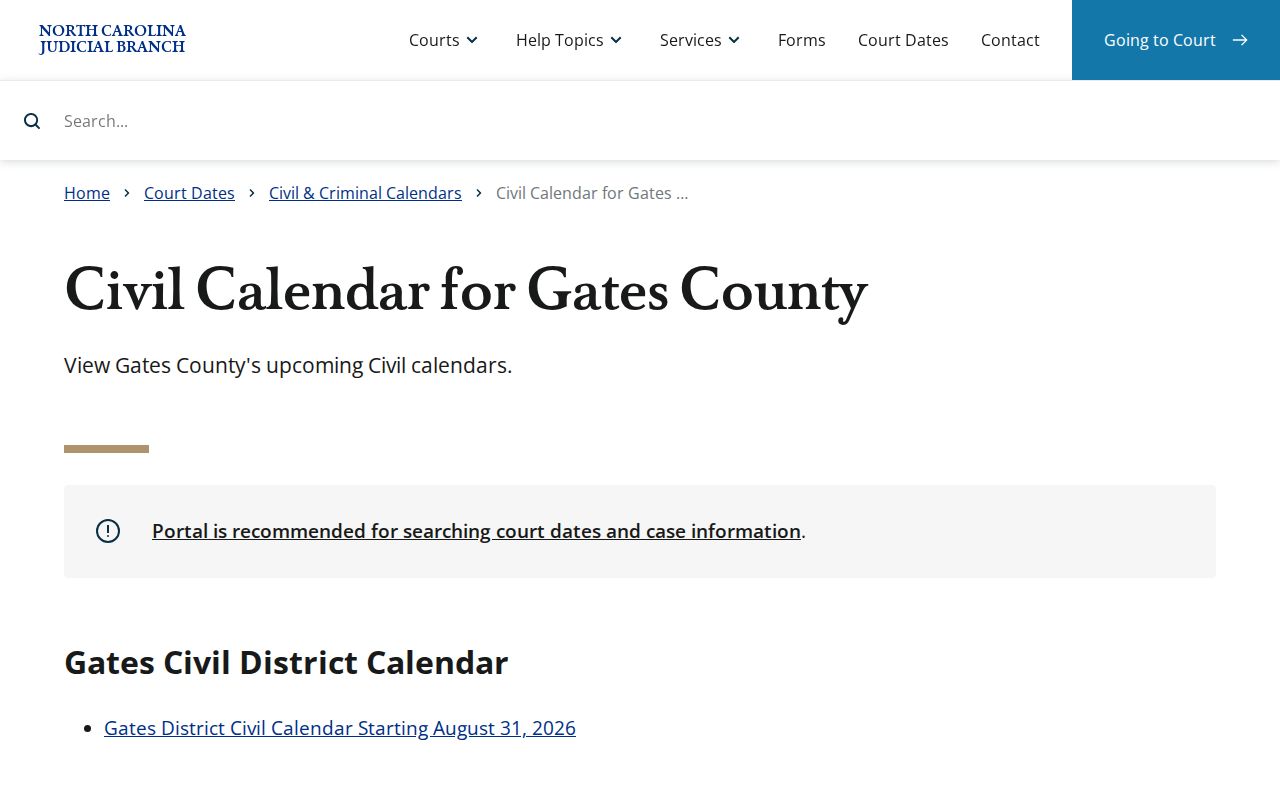
A posted civil calendar works well for confirmation. Still, the current hearing result and the clerk matter most when a setting changes.
Hearings on the Civil Docket
A civil docket can list several kinds of entries. A hearing, pretrial conference, default hearing, trial calendar, non-jury dispositional matter, continuance, order, or later judgment may all appear. The setting type tells you what the court calendared. It does not promise the matter will finish that day. Read the nearby Case Events, then check Search Hearings for current details.
Local timing rules matter too. First Judicial District rules require a pretrial order to reach the Court Manager at least 21 days before a trial session. The judge can direct otherwise. That rule is court procedure, not a promise about any individual Gates civil case's pace. The Gates local rules and forms page supplies the local rules and the scheduling-order route.
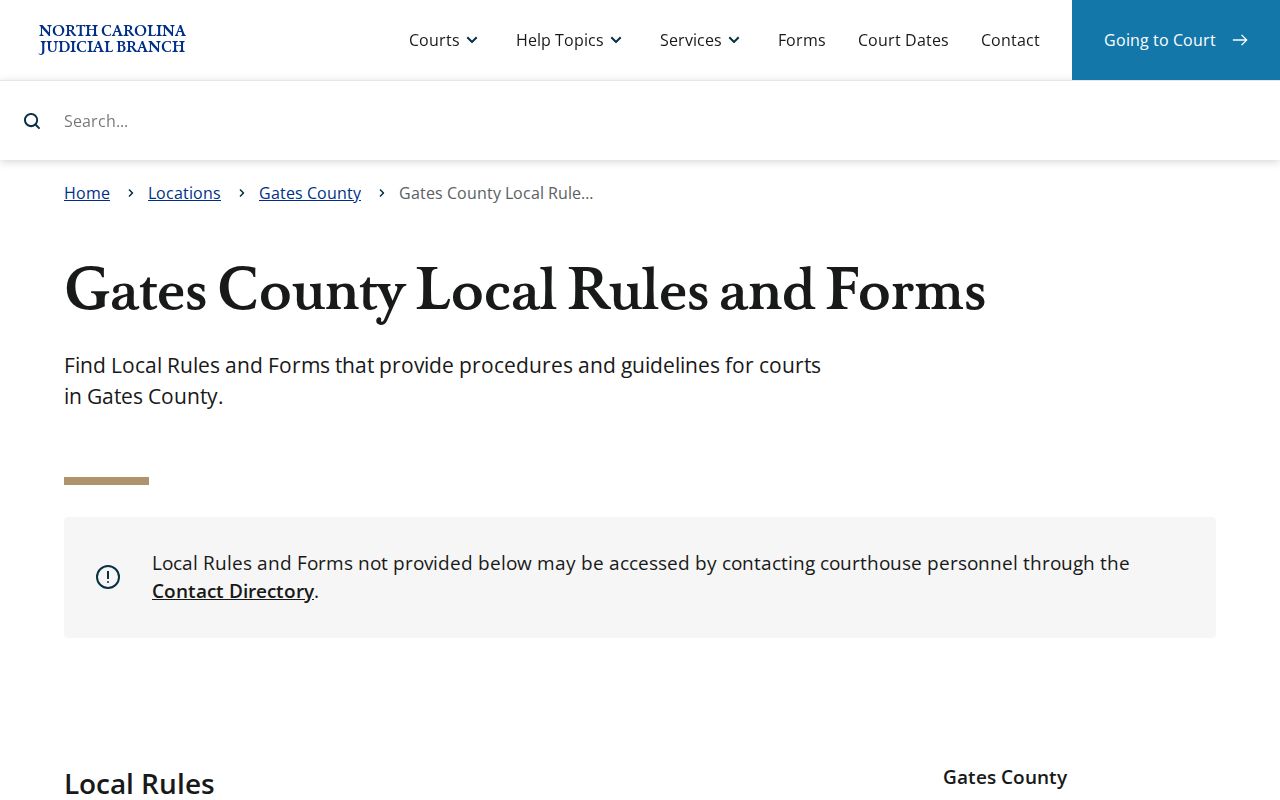
Local civil rules add setting context that a short calendar label may not express.
Gates County Civil Inactive Process
The middle of a civil docket matters here. First Judicial District rules apply. If service was never obtained or extended within the required 90-day period, the Court Manager may prepare an order. That order moves a Gates County case toward inactive status. Dismissal for failure to prosecute can follow when reasonable effort or service is still lacking. Treat these entries as procedural steps, not predictions.
Service may be complete. Still, no responsive pleading might arrive by its deadline. In that case, the Court Manager can schedule a default hearing. Discovery is generally to be finished within 180 days after the last required pleading. An extension or order can allow more time. Read the docket events for the actual case. A quiet stretch does not tell you the result.
Note: A period with no public activity does not by itself reveal the present status of a Gates County civil case.
Who Can See Civil Dockets
The public Portal gives anyone Case Summaries. It also offers any available public documents with no search fee. Beyond that, Gates County offers several channels: the civil calendar, the courthouse terminal, the paper file, and the clerk's counter. Call the Gates County Clerk of Superior Court at (252) 357-1365; magistrates answer at (252) 357-1391. Keep in mind that Portal material is not a certified record.
Access baseline: North Carolina Chapter 132 provides a public inspection and copy baseline under reasonable supervision and lawful fees. Court confidentiality rules and sealed-file limits still apply.
Transcripts work differently. For one, contact the reporter who attended the hearing. You can also use the audio-recording option where it exists. A transcript is not a routine clerk copy. Sealed and confidential matters stay off the public Portal entirely. The North Carolina public-records chapter sets out the general inspection rule that governs what the public may see.
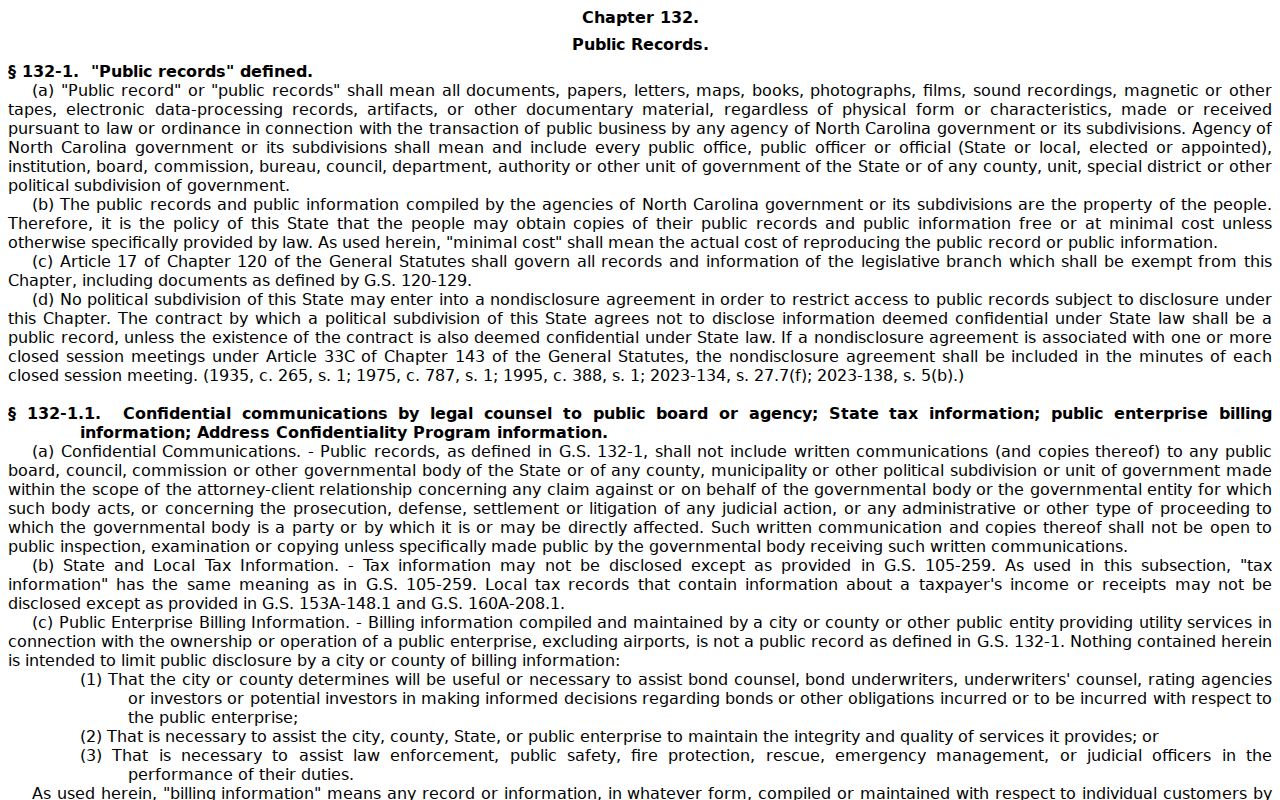
Statutory limits do shape public access to a civil docket. For the case file itself, the Gates County clerk remains the local office to ask.
Gates County Civil Record Layers
NC Judgment Search is only an index. It can show the case number, status, index date and time, parties, and judgment comments. What it cannot show is the full civil Case Summary. Take that result back to Smart Search for the fuller public chronology. Know the layers: a Case Summary, a filed public order, and a certified copy are three different things.
An expected image may be missing online. The cause could be processing, a document-specific limit, or a legal restriction. The practical Gates County fallback is the courthouse terminal or the paper file. The clerk can explain the copy path for the case you identified.