
Gates County Court Record Requests
Every Gates County court record request starts with the case number. You can pull it from the North Carolina Judicial Branch Portal. Or you can pull it from NC Judgment Search. Once you have it, jot down the court and the case type. Add the parties and the date of the document or event you want. Those details matter. They let the Gates County Clerk of Superior Court tell apart a simple docket print and one specific order, judgment, pleading, or certificate.
- Use the Portal or Judgment Search to identify the Gates County case and document.
- Check whether a public document image is already available for individual download.
- For paper, a missing image, a docket print, a plain copy, or a certified copy, contact or visit the clerk.
- Confirm the copy type, cost, and payment method before mailing a Gates County request.
- Use the appropriate reporter or recording process when the item sought is a transcript or audio record.
Statewide court-records guidance puts file viewing in the clerk office of the county where the case sits. A Portal printout helps. It just isn't certified on its own.
Gates County Clerk Custody
One office in Gates County holds the paper. The Clerk of Superior Court keeps Superior Court and District Court criminal and civil files, plus special proceedings, estates, judgments, and magistrate matters filed in the county. The same office runs the paper-file and public-terminal fallback that matters when a docket search runs dry. Gates runs a unified system too. So there is no separate district clerk to chase down for a District Court case.
Gates County Clerk of Superior Court
202 Court St.
Gatesville, NC 27938
Mail: PO Box 31, Gatesville, NC 27938
(252) 357-1365
Monday through Friday, 8:30 a.m. to 5:00 p.m.
The Gates County Courthouse page names the active facility. For the clerk's contact details, use the Gates County court directory. Planning to mail a request? Call first if you need a total, a copy type, or a historical-file check.
Kinds of Court Records
Not every Gates County court record sits at the same layer. Think of three tiers. The Portal's Case Summary or Register of Actions is the chronological public index. It is the timeline of the docket. A filed document is the real thing behind an entry. That means the pleading, order, judgment, or notice itself. A certified copy is different still, since the clerk authenticates it for official use. Knowing the layer saves trouble. It keeps you from ordering a full file when a docket print would do. It also keeps you from bringing home a Portal print when the task demands certification.
- Case Summary or Register of Actions, showing dated public Case Events.
- Filed pleadings, notices, orders, and judgments when public and available.
- Plain paper copies from the Gates County clerk.
- Certified copies or a certificate under seal from the clerk.
- Recordings or transcripts through their separate processes.
Public document access varies with case type and processing status. A Gates County docket can list an entry even when the document image is not offered online.
Gates County Record Layers
A Case Summary tells you what was entered, heard, scheduled, or disposed. That makes it the public index layer of the court record. A filed document supplies the actual text or image behind one entry. Access to it depends on the rules. And a certified copy adds the clerk's authentication on top. Each Gates County layer serves a different purpose. Never assume one from another.
| Record layer | What it does | Best Gates County route |
|---|---|---|
| Case Summary | Chronological public index of events and available information. | Portal Smart Search. |
| Document image | Public pleading, order, judgment, or notice when available. | Download individually in Portal, then ask the clerk if absent. |
| Plain copy | Copy of a record held in the file. | Gates County Clerk. |
| Certified copy | Clerk-authenticated record. | Gates County Clerk after confirming the request. |
Accuracy alone doesn't make a record official. A public web view stays unofficial no matter how faithfully it reproduces a Gates County event.
Court Records: What They Contain
A Gates County case file can hold far more than the public Case Summary shows. What's inside depends on the case type and the access rules that apply. The summary opens with case, assignment, and party information. From there it may list causes of action, hearing information, disposition, and financial information. Name the event when you request a document. Give the document date or the entry wherever you can.
| Case number | The Enterprise Justice identifier, including the Gates code 360. |
|---|---|
| Case Summary | Chronological public events, hearings, and outcomes, also called the Register of Actions. |
| Pleadings and motions | Filed initiating papers, answers, requests, and related documents when public. |
| Orders and judgments | Entered decisions, dispositions, or judgment material in the court file. |
| Financial information | Applicable public entries, which do not turn a Portal view into a certified record. |
Exhibits and confidential attachments call for a clerk-specific access check. Never assume an exhibit will appear on a public Gates County self-service screen.
Gates County Portal Document Errors
A Portal error isn't the last word on Gates County record access. The system downloads documents one at a time. Failures can trace back to scanning, processing, or file size. None of that proves the item is sealed or missing from the file. It doesn't even prove the clerk can't hand you a copy. Write down the case number and the event date. Then ask the clerk whether a paper or copy route exists. The official Judicial Branch public-record request route explains how administrative requests are handled.
That statewide channel covers Judicial Branch administrative records only. Gates County case documents go through the local clerk, not a general administrative request.
Gates County Paper File Access
The Gates County public terminal and paper-file route earns its keep when an online docket search comes back thin. The image you need may be missing. Or the record may simply be old. The clerk can pinpoint the county file and walk you through a copy request. Old paper material may survive even now. Legacy system data were converted into Enterprise Justice. The official obtaining court records information lays out the terminal, clerk, copy, transcript, and recording routes.
For a Gates County historical or paper-file request, bring or provide the case number. Say plainly whether you want a docket print, a plain copy, a certified copy, or a document image.
Copy Fees and Certification
G.S. 7A-308 sets out the Gates County clerk's copy-preparation line items one by one. There is no universal certified-copy bundle price in the statute. A certificate under seal or an exemplification can carry its own separate charge. So confirm the total for your particular document before payment goes in the mail. The Portal search and public view cost nothing. The fee is free to view.
| Gates County record item | Verified amount |
|---|---|
| First page of each document | $2.00 |
| Each additional page or fraction | $0.25 |
| Certificate under seal | $3.00 |
| Exemplification | $10.00 |
| Nonconfidential audio CD, if available | Actual CD cost |
The clerk fee statute is the source for those copy and certification figures.
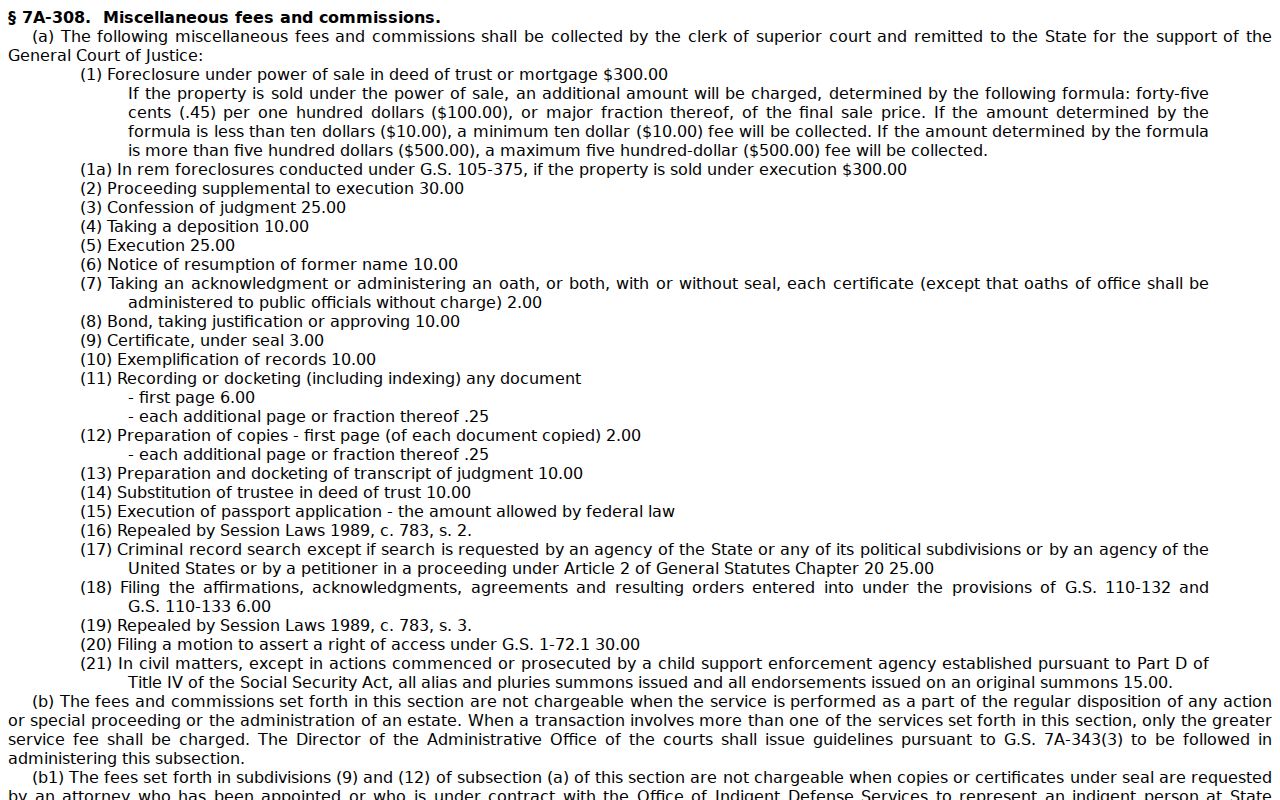
Fees attach to each individual request. Let the Gates County clerk confirm the amount before you mail a record request.
Gates County Mailing Preparation
Put the essentials in any mail request to the Gates County clerk. List the case number and the parties. Add the document or event date, the copy type you want, and a mailing contact. Say whether you need a certified copy too. Call ahead and confirm the total cost before you mail anything. Gates payment rules for mail allow a money order or a certified check. No cash and no personal check. At the counter you have more choice: cash, card, money order, or certified check.
Gates County publishes no fixed copy request form for mail. There is no identification rule and no set turnaround time. So call rather than guess at a fee or a deadline. One more thing: order a transcript from the court reporter or transcriptionist. That is not an ordinary clerk copy of the court docket file.
Gates County Audio Requests
AOC-G-114 requests a duplicate of a nonconfidential verbatim audio court record. You file it with the clerk in the county where the case sits, so for Gates County cases it goes to the Gates County clerk. On the form, list the file, the proceeding date or dates, the courtroom, the caption or matter, plus your contact details and signature. If a recording exists, you pay the actual cost of a CD. The AOC-G-114 form page lays out the nonconfidential request in full.
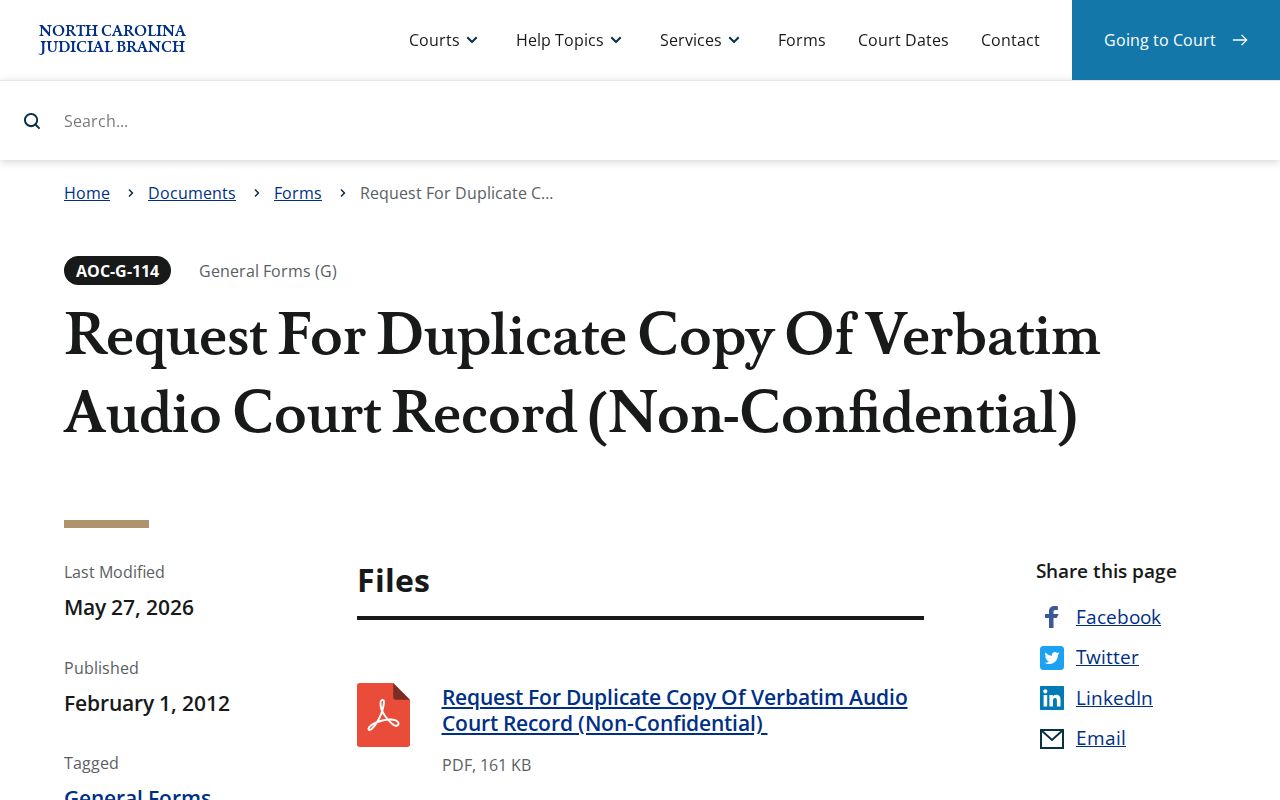
Filing an audio request does not mean the Gates County proceeding was ever recorded. And even if it was, the recording may simply not be available.
Gates County Confidential Records
AOC-G-115 is not an ordinary records request. It asks a judge for an order permitting a transcript of a confidential proceeding. The form covers the county, the case or matter, the file number, the proceeding dates, the presiding judge, the courtroom, the requester, the reason, and contact information. Any order that follows names who may receive, listen to, or transcribe the material. It also sets confidentiality terms. The AOC-G-115 form page walks through the authorization route.
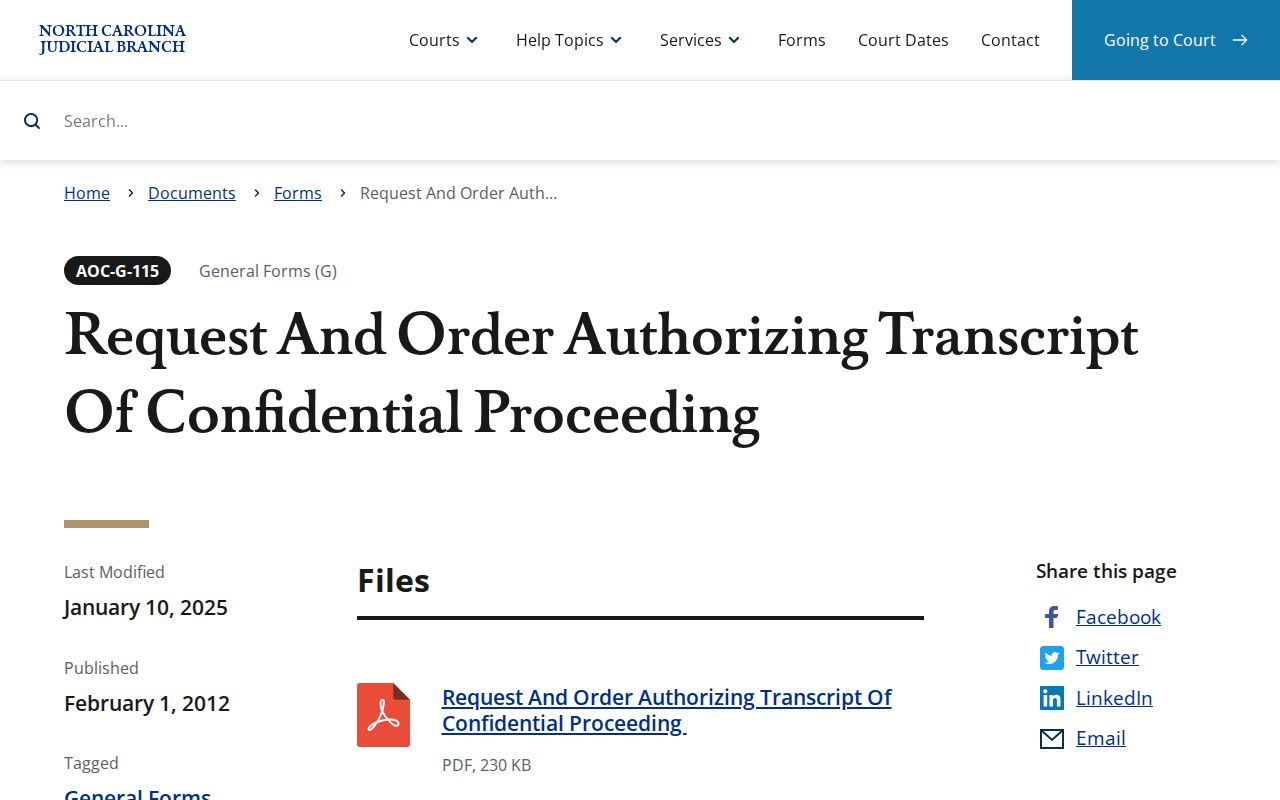
For Gates County confidential material, only a court order opens the door; registering in Portal grants no such authorization.
Gates County and Bankruptcy Records
State court files for Gates County live with the Gates County clerk. The North Carolina Portal holds them too. Bankruptcy is different. A federal bankruptcy case record belongs to the U.S. Bankruptcy Court for the Eastern District of North Carolina, not to any county office. That distinction helps when a party or case number search in the state court records comes up empty. But it never turns a Gates County state request into a federal one. The Eastern District bankruptcy court is the channel for those federal records.
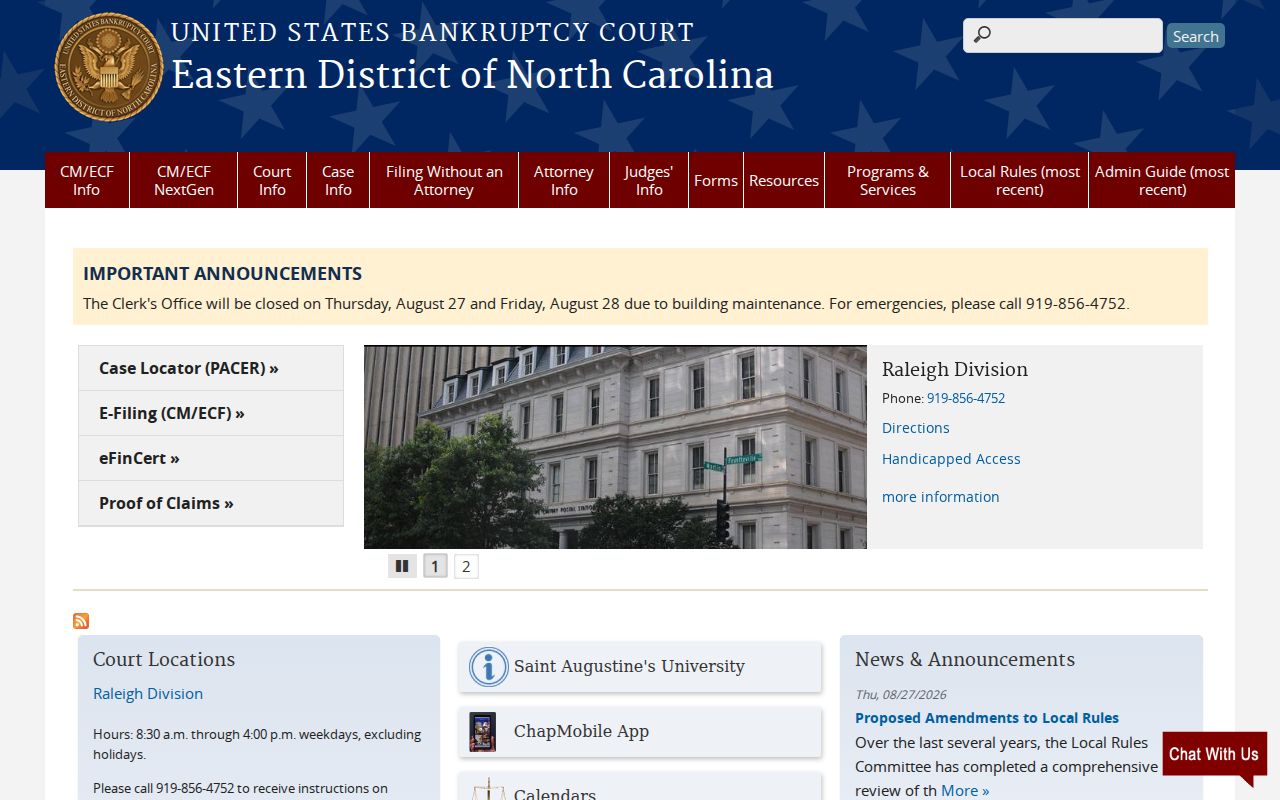
Keep it simple. Bring a North Carolina state court file question to the Gates County clerk, and use the federal court system only for a bankruptcy matter.
Access Rules for Court Records
Public access to Gates County court records starts with clerk-maintained indexes and the public Portal. Both have limits worth knowing. G.S. 7A-109 governs how the clerk keeps records and indexes. Chapter 132 sets a baseline for inspection and copies, yet it cannot override court confidentiality rules. Sealed and confidential files never appear online, and juvenile material stays restricted by statute or court order.
Access boundary. A public Case Summary can locate a Gates County matter, but it does not grant access to sealed, confidential, juvenile, or otherwise protected documents. Ask the clerk about the lawful route for the specific record.
Note: Name the exact Gates County document you want. The public index, a filed image, and a certified copy each follow different access and authentication rules.