
Name-Based Case Searches
The free North Carolina Judicial Branch Portal is where a Gates County name search begins. Smart Search opens with a simple choice: Case Number or Party Name. Type the party name plainly first. Add Gates as the location only after that basic query runs. The order matters. Advanced filters cannot run on their own. A thin statewide result should never pass for the full Gates County Case Summary.
- Open Smart Search and select the ordinary party-name search.
- Enter the available last name and, when useful, a first name.
- Apply the Gates location, case type, status, or filing-range filters after entering the basic criterion.
- Open the matching case to read its Case Summary, also called the Register of Actions.
Portal results list public cases only. They do not expose every document or protected detail. Before trusting a match, line up the case number, the parties, the filing date, and the case type, since a familiar name can belong to an entirely different Gates County case.
| Field label | Type | Required | Gates County use |
|---|---|---|---|
| Smart Search criteria | Text | Yes | Enter a case number or party name first. |
| Advanced Filtering Options | Expandable control | No | Opens general, party, and case criteria but cannot search alone. |
| Filter by Search Type | Dropdown | No | Also supports business, citation, attorney/bar, cross-reference, and nickname searches. |
| Location | Filter | No | Choose Gates after the basic criterion for local results. |
| Date of Birth | Date or range | No | Can narrow a result; public display masks month and day. |
| Filter by Case Type | Dropdown | No | Includes public civil actions, nonconfidential special proceedings, estates, and criminal actions. |
| Case Status | Dependent dropdown | No | Use a status that fits the selected case type. |
| Filing date range | Date controls | No | Useful when a party has several Gates County cases. |
| Submit or Search | Button | Yes after criteria | Advanced filters do not operate alone. |
| My Cases | Saved-case tab | Account only | Registration saves cases but adds no access rights. |
Gates County Search Filters
Advanced Filtering Options split into General Options, Party Search Criteria, and Case Search Criteria. With them, Gates County users can trim a broad result. The trimming works by case type, status, filing date, or a date-of-birth range. The Portal takes an exact date or a range there. Public display still hides the month and day of any recorded birth date. Remember what a filter is for. It narrows a valid search; it does not prove a case is absent.
Portal guidance lists the public categories: Civil Actions, nonconfidential Special Proceedings, Estates, and Criminal Actions. When the case type is unknown, start broad. Then narrow the Gates County list one choice at a time. The Advanced Party Name filter makes a poor first move. It cuts results, and it will not accept wildcards.
Case Number Searches
A Gates County Enterprise Justice number has four parts. There is a two-digit filing year, case-type letters, a six-digit sequence, and the county identifier. A criminal case looks like YYCR######-360, and an infraction like YYIF######-360. The code 360 marks Gates. Older civil records may still carry CVD, CVM, or CVS labels.
The full number is the most direct Gates County query there is. With an incomplete number, Portal guidance demands at least four characters before an asterisk wildcard. Keep every letter, digit, and hyphen exactly as the court paper shows them. A charge description is not a Smart Search term. So lean on a case number or party criterion instead.
Gates County Wildcard Rules
Wildcards rescue a Gates County search when spelling or a sequence number is shaky. For names, Portal guidance asks for at least three last-name characters plus *. It also asks for at least one first-name character plus *. Case numbers need four characters before the asterisk. Anything shorter will not build a reliable Portal query.
Run one wildcard at a time, then read the party names that come back. A short pattern can pull hundreds of statewide matches. Adding Gates as the location helps. Then a filing range or case type beats guessing at details the docket never shows.
Case Search Results Explained
A Gates County result opens onto a Case Summary or Register of Actions. That is a chronological index of public activity, not a court-certified copy. Start with the header and party block. Then walk Case Events in date order: filings, service, orders, resets, hearings, dispositions. A document image may appear alongside an entry. Even so, the Case Summary promises nothing. Not every filed item is public or ready to download.
| Case number | The year, type, sequence, and Gates county code that identify the file. |
|---|---|
| Case caption and parties | The public names or entities tied to the matter and their roles. |
| Case type and status | The procedural category and current label, such as pending, reopened, transferred, or disposed. |
| Case Events | Dated record entries such as service, a motion, order, reset, hearing, or disposition. |
| Hearings and financials | Public hearing and financial information when applicable. Search Hearings is better for the current date. |
Older converted events sometimes show a 12:00 AM timestamp. Treat that as conversion metadata, not the actual time of the court action.
Gates County Portal Access Limits
Smart Search costs nothing and needs no account. Registering only unlocks the My Cases saved-case feature. That feature adds no records, lifts no restrictions, builds no reports, and sends no notices. The Portal simply has no report or alert function built in. When a current update matters, rerun the search. Calling the court works too for a Gates County case.
Per the Portal FAQ, both anonymous and registered users may hit a CAPTCHA challenge. It can appear about every ten minutes. If expected Gates County results refuse to load, switch to Edge or Chrome. Clearing the browser cache also helps. So does a retry in an incognito window. A CAPTCHA is never a ruling that a court file is confidential. Remote Public Access is a different licensed program offering real-time and data-extract service. The ordinary free Gates County Smart Search route does not need it.
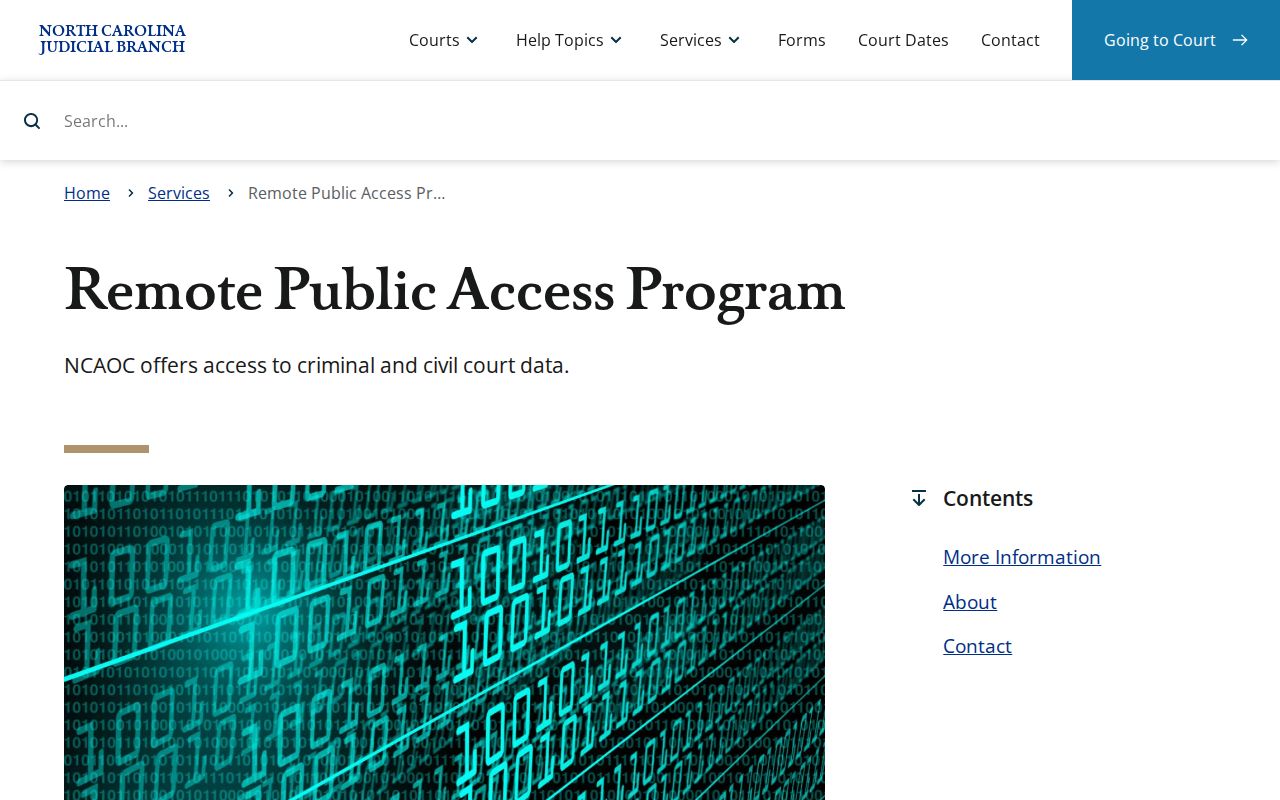
That licensed program never replaces the free Gates County Portal path for a public case lookup. For the terminal route, the official eCourts public-access kiosk guide lays out how the court kiosk works.
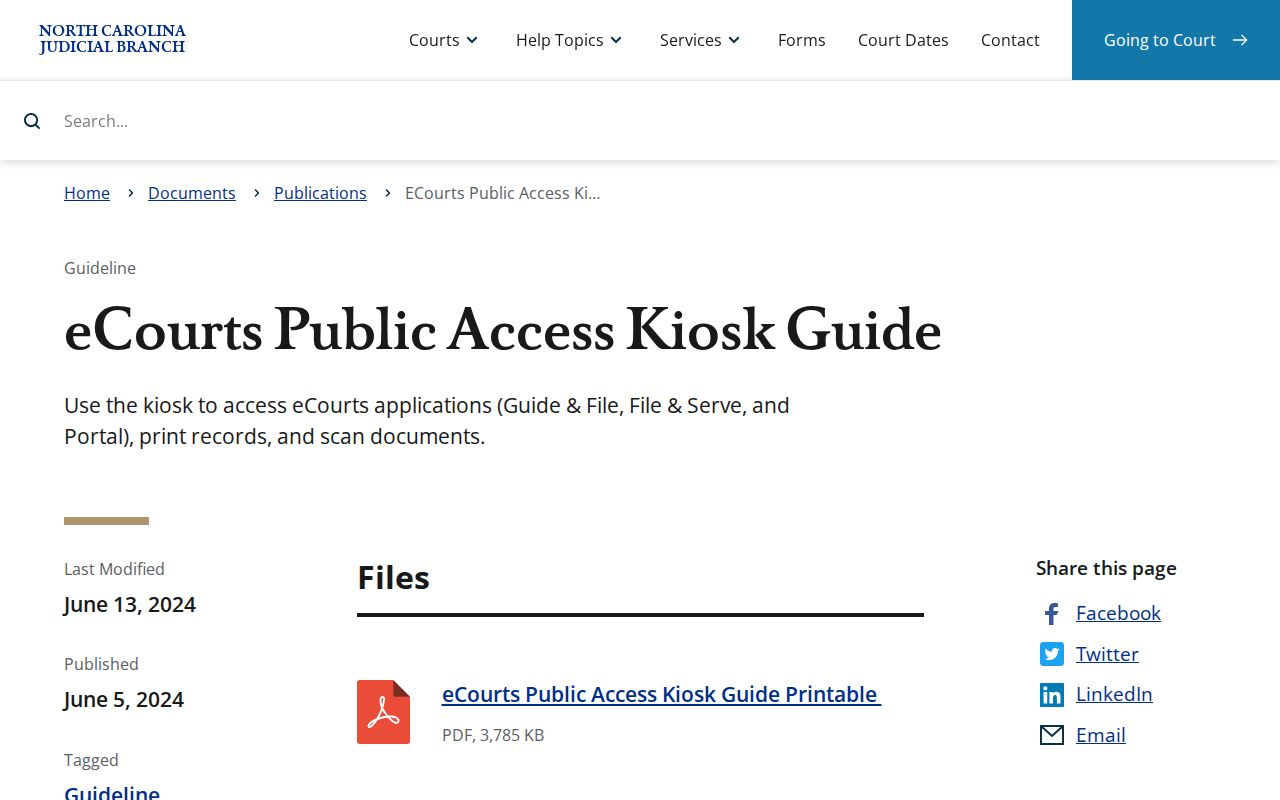
When public web access runs short, a Gates County terminal or a paper-file request through the clerk is the practical next step.
Two Ways to Search: County and State
Gates County runs no database of its own. For a Gates County public search, the statewide Portal is the route. A location filter narrows results to local cases. Search Hearings then fills in the current date, time, and courtroom. When you already know the matter type, the county's published criminal and civil calendars serve as a second public confirmation channel.
| Gates County focus in Portal | Statewide Portal search |
|---|---|
| Use a basic criterion, then select Gates. | Use the same Smart Search interface without limiting location. |
| Best for a known local case, local clerk follow-up, or published Gates calendar. | Best when the county is unknown or a party has cases in more than one participating location. |
| Read the Case Summary and use Search Hearings for a present setting. | Use NC Judgment Search as an index, then return to Smart Search for the case detail. |
Gates County Search Hearings
Search Hearings works differently from Smart Search. It pulls current hearing information by case number, party, business, attorney, bar number, judicial officer, or courtroom. A Gates County Case Summary can keep older settings in its chronology, but Search Hearings aims to show where and when a matter sits right now. Check both before relying on any date.
The Gates criminal calendar and its civil counterpart are published lists worth a look. Still unsure about a setting? The Gates County Clerk of Superior Court can confirm whether the public record and the schedule agree.
Gates County Judgment Search
NC Judgment Search is a free Portal index for money judgments. Narrow a Gates County judgment search by party name or case number, case type, status, location, or judgment date. Each result gives an index-level case number, the status, an index date and time, the parties, and any judgment comments. That is not the full Case Summary.
Take the Gates County case number you get back and run it through Smart Search. The handoff matters. Judgment Search will not hand you the chronological events, the available documents, or current hearing information the way a Case Summary does.
Gates County No-Result Steps
A Gates County no-result screen means check again, not give up. Look hard at spelling, initials, number formatting, and the case type you picked. Drop any filter that squeezes too tight. A historic Gates County paper file can sit in the courthouse even when the web result is thin. A citation may not be online yet. The Gates County court services page names the official local channels.
Still stuck? Contact the Gates County Clerk of Superior Court. Ask about the public terminal or the paper-file route. Bring the best party name you have. Add any case number, citation number, or approximate filing date. One call to the clerk beats hours of guessing at search patterns.
Gates County and Federal Searches
State and federal dockets live apart. A Gates County criminal, civil, estate, or traffic case belongs in the North Carolina Portal. The Gates County clerk holds it too. Federal matters go to the U.S. District Court for the Eastern District of North Carolina. Public docket access there runs through PACER, and filing runs through CM/ECF. A missing state result never pushes a case into federal court.
The Eastern District of North Carolina page shows how that separate federal layer works.
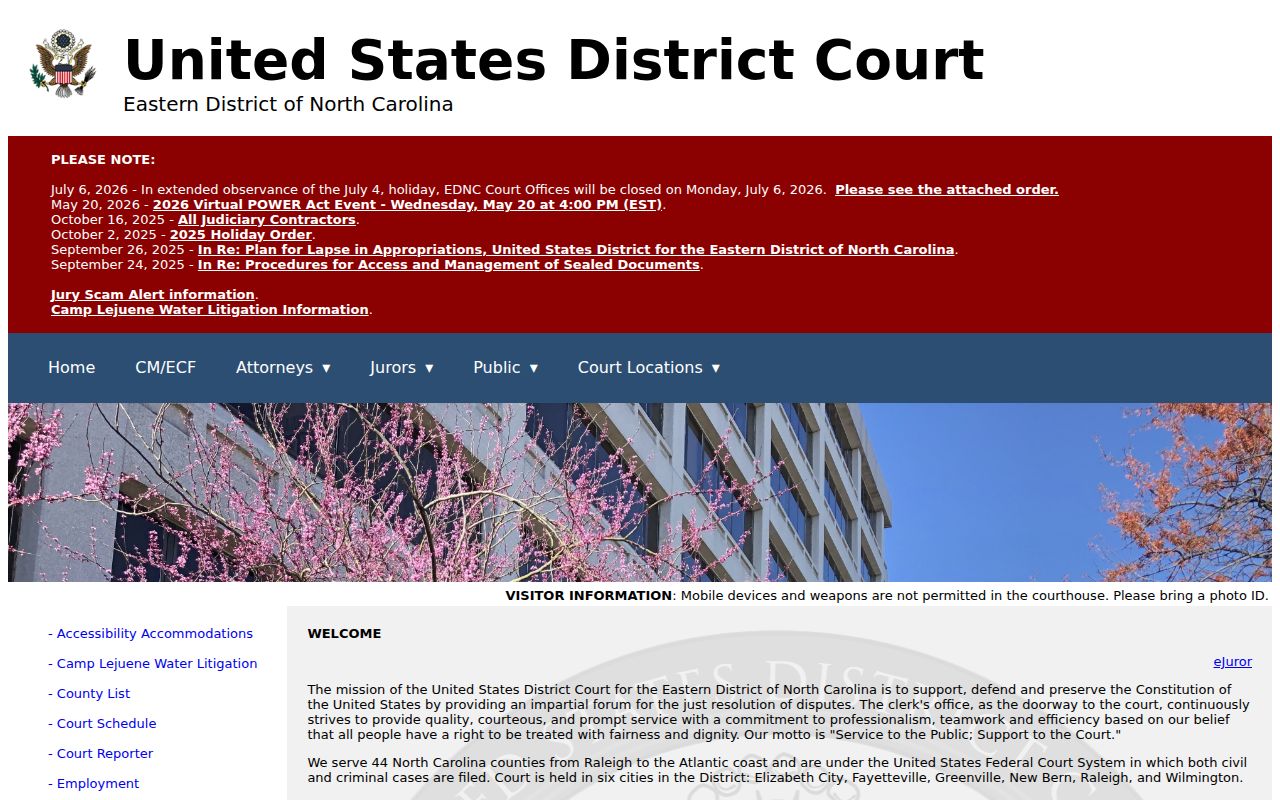
That federal channel does not replace a Gates County Portal search for state trial records.
The Eastern District CM/ECF page shows the filing side of the federal system.
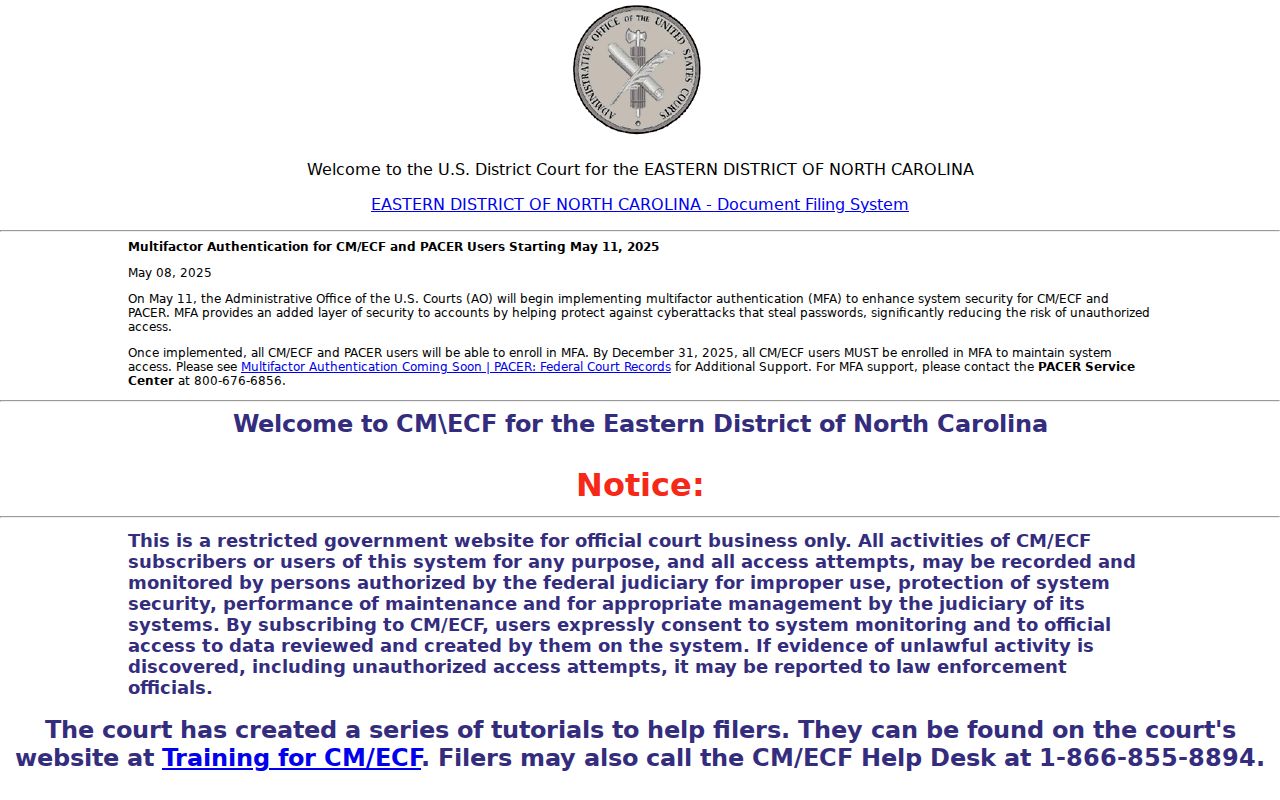
CM/ECF handles federal filings. Portal Smart Search remains the Gates County public route for state cases.
For federal material, CourtListener and RECAP can display some contributed docket content.
RECAP is not complete. Treat it as a federal comparison point, not a source for Gates County state records.
Which Cases Stay Restricted
Not every Gates County court matter shows up online. Sealed and confidential files never enter the Portal. Juvenile records stay closed to public inspection unless a statute or court order allows otherwise. Domestic-violence indexing on the web has limits of its own, and public display masks a recorded date of birth. Signing up for an account changes none of this.
G.S. 7B-3000 covers juvenile record confidentiality, and an expunction order under applicable law can remove or restrict a case record. So a public search result is never a complete list of Gates County court matters.
Gates County Terminal Fallback
When a Gates County case will not appear, start with the basics: spelling, number formatting, filters. Then ask the Gates County Clerk of Superior Court about the public terminal or a paper and historical file. The clerk is the local custodian for Gates court files. For an old record, or a public item with no usable online image, paper may be the only practical route.
One caution: a Portal document error can stem from scanning or file-size limits, so confirm access with the clerk before assuming the Gates County record itself is unavailable.